Cash Back Online and In Store
Find the right activation method for your next online order, supermarket trip, or participating local stop.
Disclosure. We may earn a reward when you sign up or make a qualifying purchase through links in this guide.

Start with where you will pay
The same store can have a desktop site, an app, and a physical checkout. Each can have its own route to earning. An online portal may require a click before checkout. A participating in-store offer can require activation and a linked card. A grocery offer may ask for an item match and receipt.
Decide whether you will buy online, in a store, or through pickup before searching for rewards. If you change the route, check the terms again. One store listing can cover a narrower set of purchase types than you expect.
Keep online portal purchases in one session when possible. For local offers, record the participating location and use the payment method and redemption steps that the app requires.
The five services, in depth
Capital One Shopping
Browser-based online shopping
Capital One Shopping can surface eligible Shopping Rewards, coupons and some price comparisons. This fits the part of your routine that already happens on a retailer’s website.
What to check. The help center lists in-store orders among the typical exclusions. A switch to another checkout route can affect eligibility, and Shopping Rewards redeem through selected eGift cards.
Where to start. Start an eligible online purchase in the recommended browser or app path and confirm the offer before completing checkout.
Capital One Shopping Help Center
Try Capital One ShoppingRakuten
Participating online and in-store offers
Rakuten advertises both online and eligible in-store offers. The in-store route can involve adding an offer and paying with a card linked to your account.
What to check. Verify that a specific location and purchase type are covered. The payment rules for earning and the rules for receiving regular quarterly cash back are separate.
Where to start. Choose a participating store from the app and read the activation and card instructions before paying.
Rakuten U.S.Rakuten · When Will I Get Paid?
Join RakutenTopCashback
Comparing an eligible e-commerce checkout
TopCashback earns its place as an online rate check when you are choosing between retailer offers. Its public payout information lists cash options and gift cards.
What to check. The credited amount depends on the merchant and eligible checkout path. Check the merchant conditions if your plan changes from online delivery to pickup.
Where to start. Confirm the category and fulfillment terms in the listing. Activate your chosen offer and stay with the specified checkout route.
TopCashback U.S.TopCashback · How do I receive my Cash Back?TopCashback · Why isn’t my Cash Back available?
Join TopCashback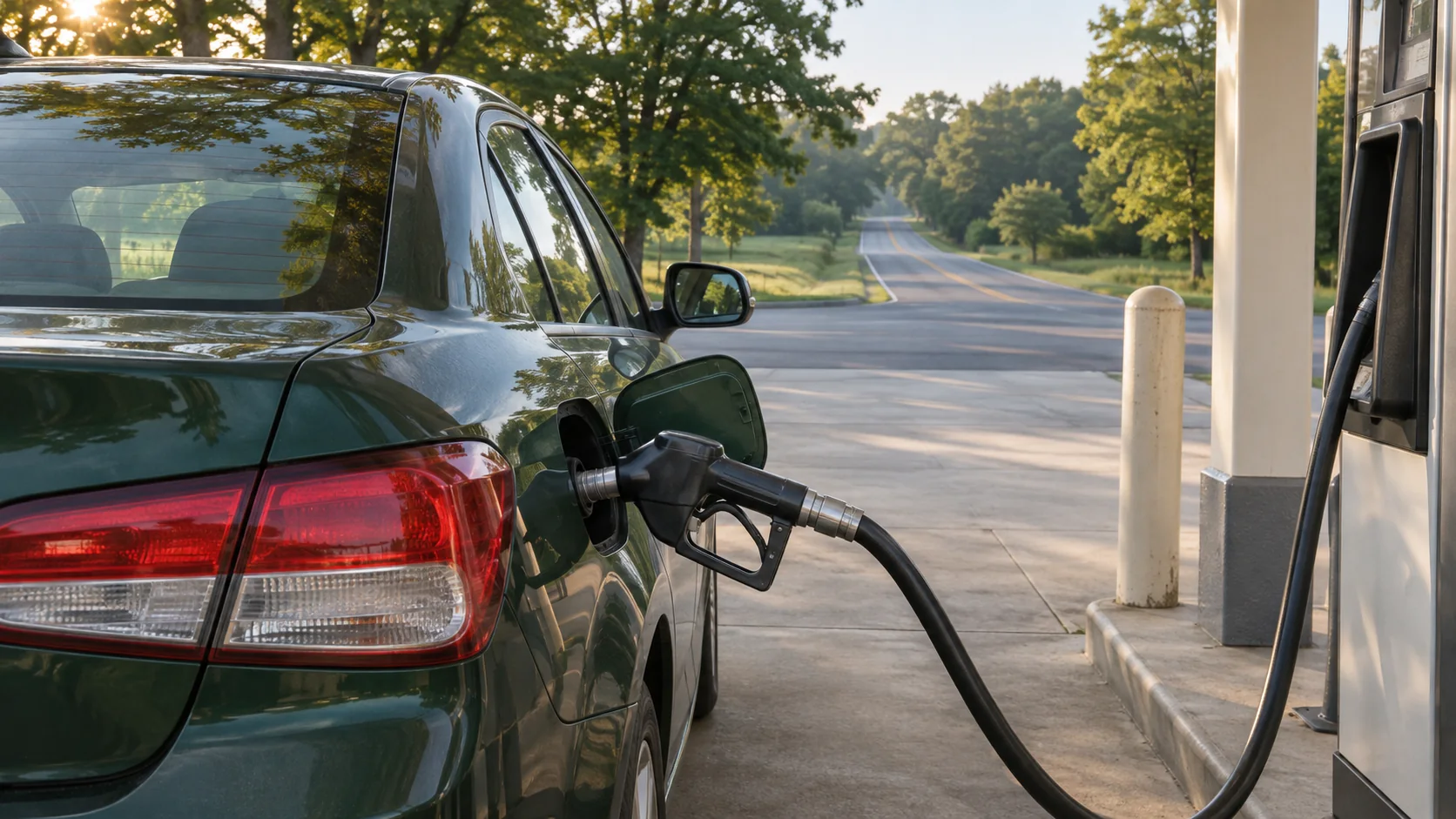
Ibotta
Finding eligible items on a supermarket run
Ibotta describes adding offers to your list and submitting a receipt where required. That gives you a way to evaluate single products while shopping in a participating store.
What to check. Store, item, quantity, and size requirements can vary. It takes a $20 balance to withdraw through the program’s advertised options.
Where to start. Check an item on your regular list before entering the store and keep the complete receipt until you receive the reward.
Get the Ibotta appUpside
Using location-specific offers for fuel or food
With Upside, you can claim an offer near you and make the qualifying purchase using an eligible credit or debit card. The company lists bank, PayPal, and gift-card cash-out options.
What to check. You need a location that fits your trip and a payment method accepted by that offer. Pay attention to the app’s local redemption instructions.
Where to start. Look up a stop you already make and compare the final price with another convenient option.
Upside · How does Upside work?
Get the Upside appCompare the five
Where each fits this shopping routine and how you can redeem.
- Capital One Shopping
- Browser-based online shoppingRetailer eGift cards
- Rakuten
- Participating online and in-store offersPayPal, check, or other eligible rewards
- TopCashback
- Comparing an eligible e-commerce checkoutBank transfer, PayPal, Venmo, or gift cards
- Ibotta
- Finding eligible items on a supermarket runBank withdrawal or a gift card
- Upside
- Using location-specific offers for fuel or foodBank withdrawal, PayPal, or a gift card
Value a fuel offer in dollars
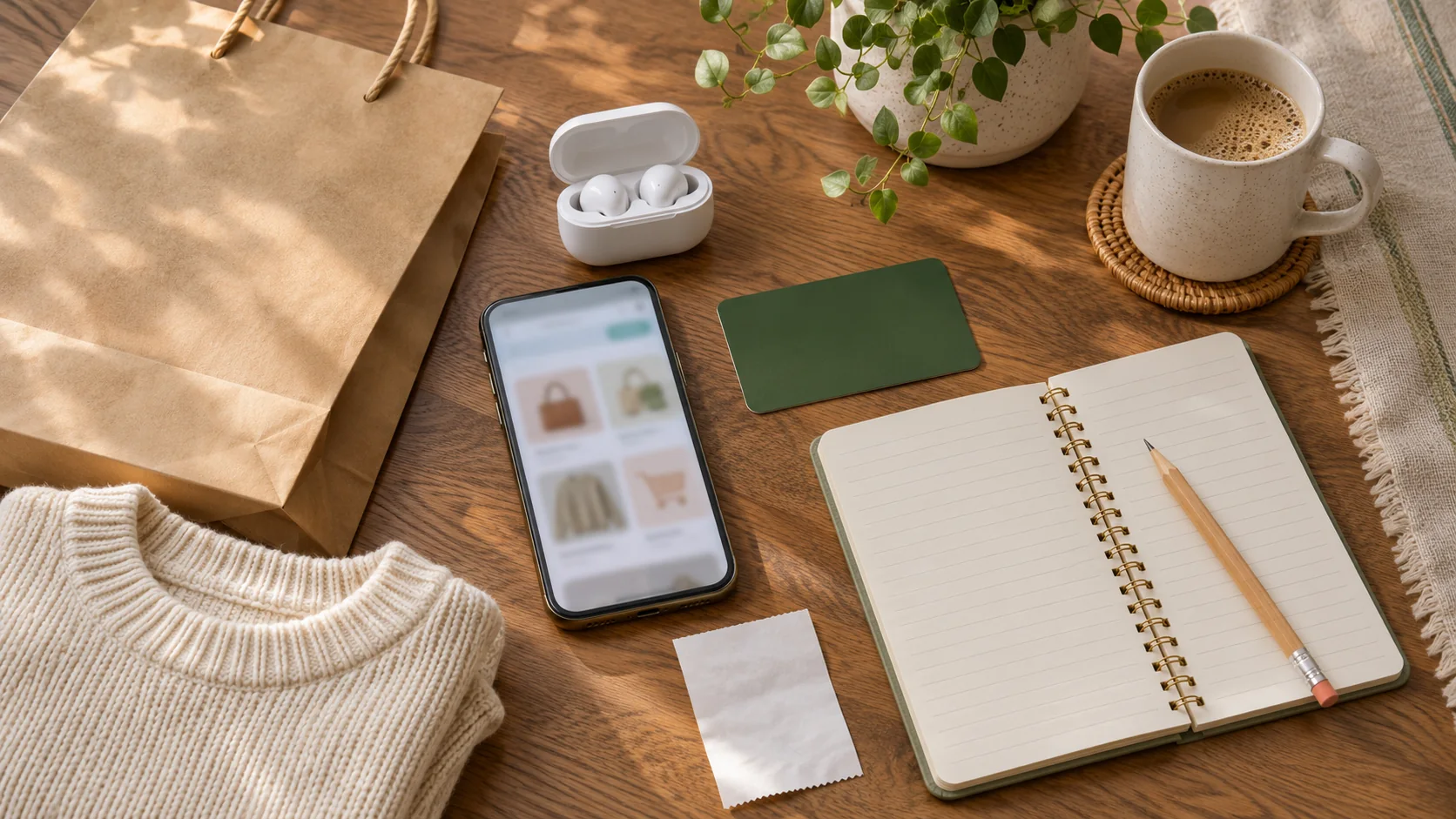
An illustrative offer of $0.08 per gallon on 12 gallons returns $0.96. A station on your usual route that charges $0.10 less per gallon saves $1.20 on the same purchase. Compare prices before taking an extra turn.
- Example app reward
- $0.96
- Savings from lower pump price
- $1.20
- Difference
- $0.24
Match the offer to the checkout
If you move from online to in store, look at the eligible steps for the new route. Check location, payment and purchase evidence before you pay.
- Choose the shopping channel and exact location.
- Check if the offer requires a portal click, linked card, or receipt.
- Complete the purchase using that path.
- Keep the receipt and verify the offer credited as expected.
Common questions
Does a store offer cover pickup? Check the conditions for your chosen checkout. Pickup and delivered purchases may be treated differently.
Can I claim a location offer after paying? Follow the app’s timing rules. Where it tells you to claim an offer first, activate it before purchase.
What if I pay with a different card? An offer tied to a particular card or payment method may not track. Recheck the instructions before paying.
Pick your next purchase
Choose the purchase channel you already prefer, then activate the offer that covers it. A different service may fit when you switch from online ordering to a local errand.
Sources
U.S. provider sites and help documentation, checked November 18, 2026. Offers and terms can change. Worked examples use hypothetical prices and rewards.
- Capital One Shopping Help CenterShopping Rewards, coupons, travel timing, eligibility, and gift-card redemption.
- Rakuten U.S.Shopping channels, retailer offers, extension, and card-linked offers.
- Rakuten · When Will I Get Paid?Payment methods, confirmed-balance minimum, quarterly schedule, and confirmation times.
- TopCashback U.S.Offer coverage, commission model, and cash-out methods.
- TopCashback · How do I receive my Cash Back?Payable balances and available cash-out methods.
- TopCashback · Why isn’t my Cash Back available?Retailer validation, estimated payout dates, and travel timing.
- Ibotta consumer siteOffer selection, receipt submission, and the $20 withdrawal threshold.
- Upside · How does Upside work?Nearby offers, eligible payment workflow, and redemption options.